PacketMoat is reader-supported. When you buy through links on our site, we may earn an affiliate commission at no extra cost to you.
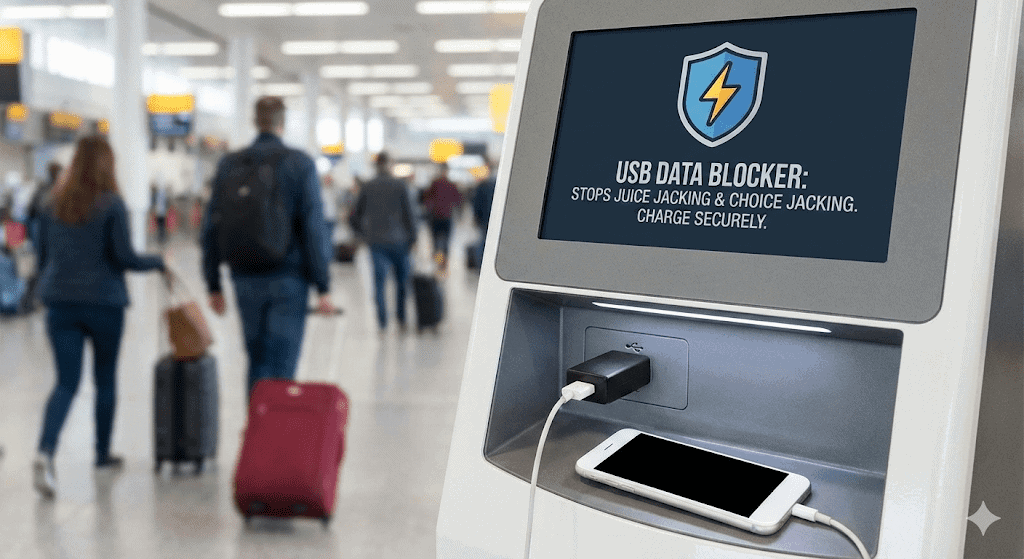
Picture this scenario: You’re rushing through the airport, your phone battery is flashing that dreaded 5%, and you spot a public USB charging station. Do you plug in?
If you’re like most travelers, the answer is “absolutely”—dead phone anxiety trumps security concerns every time. But here’s what most people don’t know: The FBI and TSA have issued renewed warnings in 2025 about “juice jacking” attacks targeting these exact charging stations.
Before you panic, here’s the good news: You don’t need to choose between a charged phone and cybersecurity. For about $7—the price of an overpriced airport coffee—you can eliminate this entire category of cyber threats with a simple device called a USB data blocker.
After 15 years in cybersecurity, this tiny gadget has earned a permanent spot in my travel kit. Let me show you why it should be in yours too.
What is “Juice Jacking“? (And Is It Actually Real?)
Juice jacking is a cyberattack where criminals modify public USB charging ports to steal data or install malware on connected devices. The name comes from “juice” (power) and “jacking” (hijacking).
The New Threat: “ChoiceJacking”
For years, people thought they were safe because phones ask “Trust This Computer?” when plugged in. However, in 2025, researchers identified a new variant called “ChoiceJacking”.
In this sophisticated attack, a compromised charger can hide the warning prompt or simulate a “Yes” tap before you even realize what happened. This proves that software protections aren’t enough—you need a physical barrier.
How Juice Jacking Works
Understanding the attack requires knowing how USB cables function. Standard USB cables contain 4 pins:
- 2 Pins carry electrical power (for charging).
- 2 Pins carry digital data (for file transfer).
When you plug into a compromised charging station, the malicious port uses the data pins to access your device while it charges. The attack can steal photos, contacts, and passwords without you ever seeing a warning screen.
How a USB Data Blocker Works
A USB data blocker (often called a “USB condom”) is essentially a small adapter that creates a “hardware gap” between your device and potential threats.
The Mechanism
The device works by physically removing the two data pins from the USB connection:
- Power pins remain connected (Your device charges normally).
- Data pins are disconnected (No data transfer is possible).
The result: Any public charging port becomes equivalent to a “dumb” wall outlet. Think of it like a one-way valve for electricity—power flows through, but data transmission is physically impossible.
The Hardware Recommendation: PortaPow
After testing numerous brands over the years, PortaPow remains the industry standard for USB data blockers. They are the “Kleenex” of this product category.
Why PortaPow Leads the Market
- Transparent Design: PortaPow’s signature feature is their transparent plastic housing. You can literally see the missing data pins inside the device—it’s “trust but verify” engineering at its finest.
- SmartCharge Chips (USB-C): Standard USB-C connections require data pins to “negotiate” fast charging speeds. PortaPow’s “SmartCharge” chip handles this negotiation safely, allowing you to Fast Charge your iPhone or Android without exposing your data.
Current Pricing (2026 Estimates):
- PortaPow 3rd Gen (USB-A): ~$7
- PortaPow SmartCharge (USB-C): ~$12
Who Absolutely Needs a USB Data Blocker?
1. Rental Car Users (The Hidden Risk)
Here’s a scenario most people never consider: You rent a car and plug your phone in for CarPlay or Android Auto. Many rental car systems automatically sync your entire contact list and call history to the vehicle’s dashboard.
This data often remains in the car’s memory long after you return it. A USB data blocker prevents this automatic data sync while still allowing your phone to charge.
2. Rideshare Passengers
Charging your phone in an Uber or Lyft means plugging into a stranger’s car. While most drivers aren’t malicious, you’re still connecting your device to an unknown system. Better safe than sorry.
3. Business Travelers
If you carry client data, customer information, or proprietary business content, using a USB data blocker is mandatory due diligence. The potential cost of a data breach far exceeds the $7 investment.
Conclusion: $7 for Peace of Mind
Here’s my professional recommendation after 15 years in cybersecurity: Every traveler should carry a USB data blocker.
The math is simple:
- Cost: Less than an airport sandwich.
- Benefit: Complete protection from an entire category of attacks.
- Reliability: Hardware protection that can’t be bypassed by new threats like ChoiceJacking.
You probably spend more money on travel insurance, TSA PreCheck, or priority boarding. This $7 device provides cybersecurity insurance that travels with you everywhere.
Your USB data blocker protects your phone’s data during charging. To protect your phone’s internet traffic, don’t forget your [Travel Router for Hotels] for secure Wi-Fi connections.

Tye is a CISSP-certified cybersecurity analyst with over 25 years in IT and 15 years specializing in network defense and threat intelligence. He built PacketMoat to bring enterprise-grade security knowledge to everyday people and small businesses.