PacketMoat is reader-supported. When you buy through links on our site, we may earn an affiliate commission at no extra cost to you.
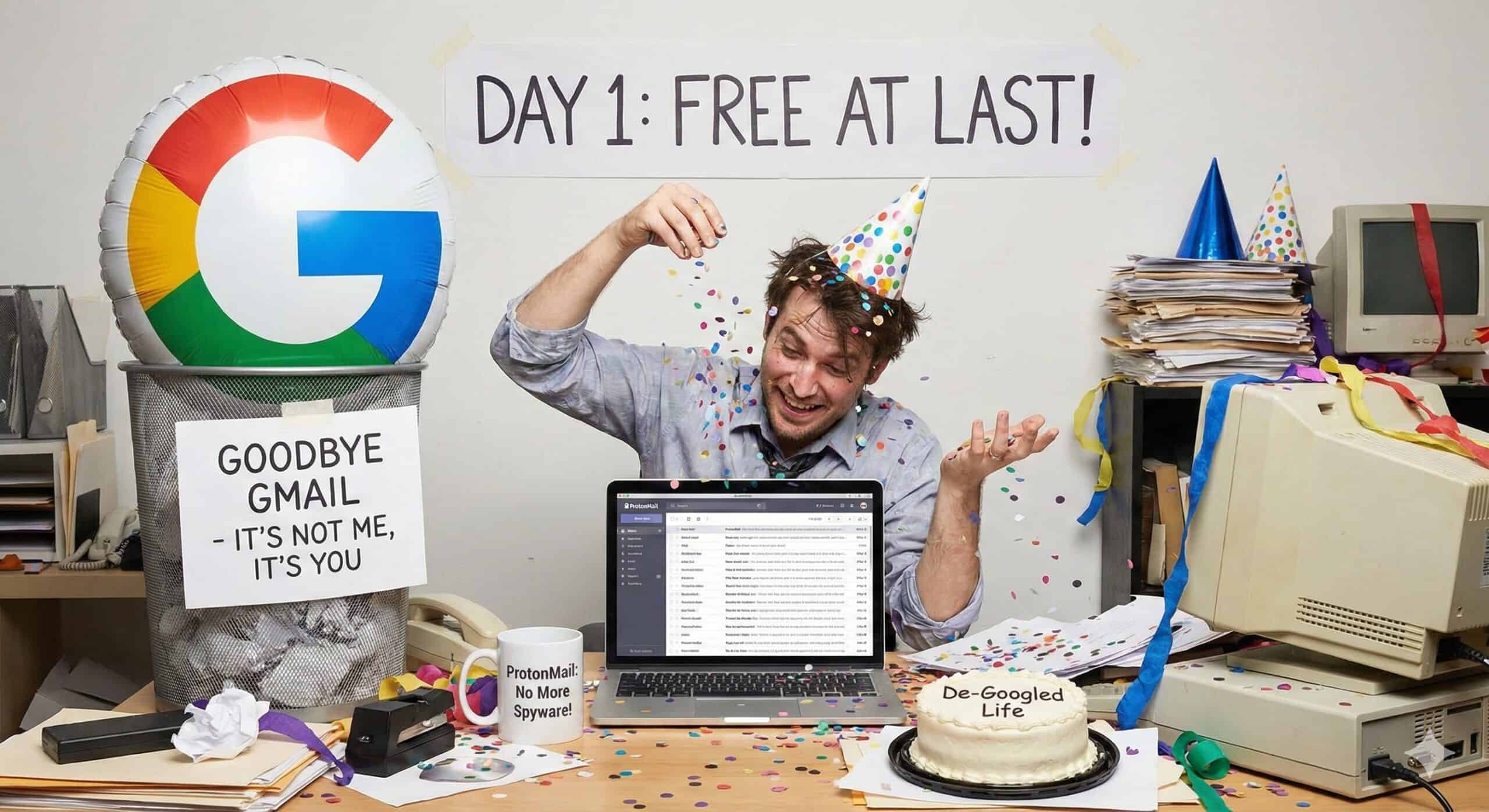
In this ProtonMail review, I’m going to share why I finally left Google. Let me start with the embarrassing part: I made the switch from Gmail to ProtonMail last year, only to lock myself out of my new ProtonMail account three months later.
I know, I know – who does that? Well, apparently me. I was so excited about finally breaking free from Google’s ecosystem that I rushed through the setup process. I created what I thought was a memorable password, skipped setting up proper recovery options (because I was “definitely going to remember this one”), and figured I was good to go.
Fast forward three months, and I’m staring at the ProtonMail login screen, completely blanking on my password. Unlike Gmail, ProtonMail can’t just reset your password for you – that’s actually a feature, not a bug, because of their zero-access encryption. But when you’re locked out of your account, it doesn’t feel like a feature at all.
After a week of trying every password combination I could think of, I had to face reality: I was starting over. Again.
My ProtonMail Review: The Second Time Around
Here’s the thing though – losing access to my ProtonMail account was frustrating, but it taught me something important about taking security seriously. This time, I wasn’t just going to create another “memorable” password and hope for the best.
I invested in a YubiKey – one of those little USB security keys that everyone in tech talks about but I’d always thought was overkill. Turns out, it’s not overkill at all. Setting it up with my new ProtonMail account was surprisingly straightforward, and now I have real two-factor authentication protecting my emails.
Even if someone somehow figured out my password (which is now properly generated and stored in a password manager, thank you very much), they’d still need physical access to my YubiKey to get into my account.
Why I Stuck With ProtonMail Despite the Hassle
You might wonder why I didn’t just go back to Gmail after the password fiasco. Trust me, the thought crossed my mind. Gmail’s password recovery is definitely more user-friendly – probably too user-friendly, if we’re being honest about security.
But here’s why I stayed with ProtonMail: that very “inconvenience” of not being able to easily reset my password is actually what makes it secure. Google can reset your Gmail password because they have access to your account. ProtonMail can’t reset your password because they literally can’t read your emails – everything is encrypted with keys that only you control.
ProtonMail is based in Switzerland, which has some of the strongest privacy laws in the world. Your emails are encrypted end-to-end, meaning even ProtonMail can’t read them. When someone sends you an email, it gets encrypted before it even reaches their servers.
The interface is clean and familiar – it doesn’t feel like switching to some weird, clunky alternative. If you can use Gmail, you can use ProtonMail. The free version gives you 1GB of storage, which is plenty for most people, and if you need more, their paid plans are totally reasonable.
But here’s what really made me stick with it: ProtonMail doesn’t track you. No ads based on your personal conversations. No algorithm deciding what’s important in your inbox. It’s just… email, the way it should be.
What I Realized About Gmail
Going through this whole ordeal made me think about what I’d been giving up with Gmail all these years. Gmail is “free” because you’re the product. Google scans your emails to serve you ads, builds profiles about your shopping habits, and basically knows more about you than your spouse does. I never really thought about it until I stepped away and had time to really consider what that meant.
With Gmail, you’re not just getting email service – you’re getting surveillance. Every message, every attachment, every contact gets fed into Google’s massive data collection machine. And while their security is generally pretty good, when you’re locked out, you realize just how much control you’ve handed over to one company.
The Learning Experience
This whole password disaster taught me that real security isn’t just about having a strong password – it’s about having multiple layers of protection. ProtonMail integrates perfectly with YubiKey, and I can sleep better knowing that even if someone somehow gets my password, they’d still need physical access to my key to get into my account.
I also finally started using a proper password manager instead of trying to remember everything. It’s one of those things I kept putting off, but losing access to an account twice was the wake-up call I needed.
Bonus: What About Google Drive and Docs?
One of the main reasons I hesitated to leave Google was Google Drive. I used it for everything—spreadsheets, storing passport scans, and travel itineraries. I thought, “Okay, I can move my email, but I still need Google for my files.”
I was wrong.
Proton now includes Proton Drive and Proton Docs. Think of these as encrypted versions of Google Drive and Google Docs.
- Proton Drive: A secure cloud storage locker where I now keep my most sensitive travel documents (copies of my passport, visa approvals, and insurance policies).
- Proton Docs: A privacy-focused editor that lets me write and collaborate just like I did in Google Docs.
It’s not as feature-rich as Google yet, but for a traveler who needs to store sensitive data without Google peeking at it, it is a game-changer.
The Bottom Line
Look, Gmail isn’t terrible. It works, it’s convenient, and everyone uses it. But after living without Google watching my every move for the past year, I can honestly say I don’t miss it. ProtonMail gives me the same functionality with actual privacy and security.
Plus, there’s something satisfying about having an email address that doesn’t end in @gmail.com. It feels more… intentional?
If you’re on the fence about making the switch, my advice is simple: try ProtonMail’s free account for a few weeks. Just don’t be like me – set up proper security from day one. Get a YubiKey, use a password manager, and set up recovery options properly.
Sometimes making a mistake is exactly what you need to learn how to do something right.
Ready to Make the Switch?
Whether you’re going solo or moving your whole team, start with these resources:
Related reading: Keeper Review · Best Password Managers for Teams

Tye is a CISSP-certified cybersecurity analyst with over 25 years in IT and 15 years specializing in network defense and threat intelligence. He built PacketMoat to bring enterprise-grade security knowledge to everyday people and small businesses.