Stop Visual Hacking: Best Privacy Screen for Laptop Guide (2026)
PacketMoat is reader-supported. When you buy through links on our site, we may earn an affiliate commission at no extra cost to you.
Meta Description: Stop strangers from reading your emails on planes and trains. Learn why a privacy screen for laptop is the essential defense against visual hacking in 2026.
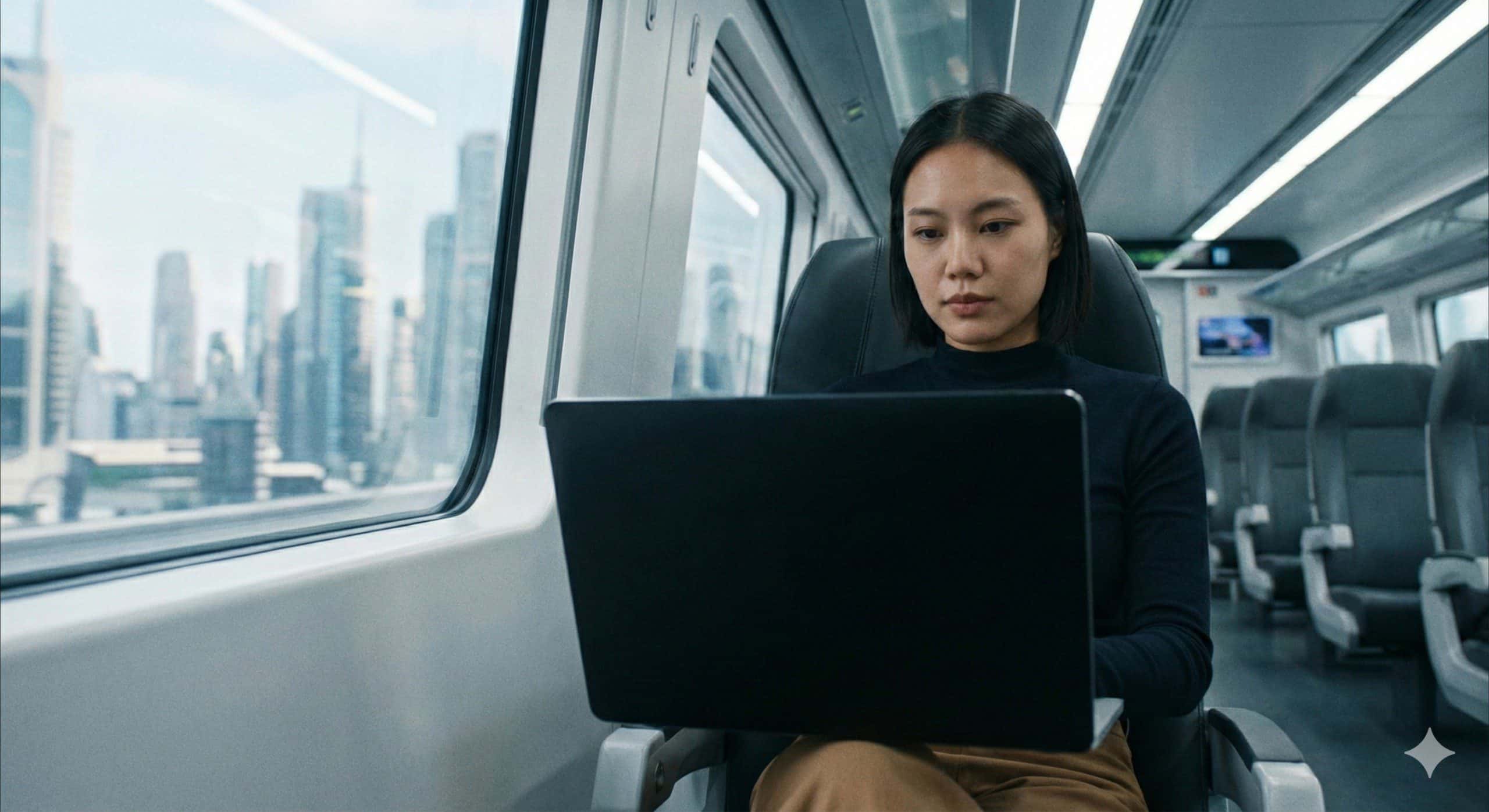
You are sitting in a crowded airport terminal or coffee shop, answering sensitive work emails. You feel safe because you are using your Travel Router and VPN.
But you forgot one thing: The guy sitting next to you is reading every word you type.
This is called “Visual Hacking,” and it is one of the most overlooked threats in cybersecurity. While we spend thousands on firewalls and encryption, we often leave our front door wide open to anyone with a pair of eyes.
Today, I’ll explain why a simple $20 accessory—a privacy screen for laptop—is mandatory gear for anyone who works in public.
What is Visual Hacking?
Visual hacking is exactly what it sounds like: capturing sensitive data just by looking at a screen.
- The Stat: A classic study by 3M found that “white hat” visual hackers were successful in capturing sensitive data 91% of the time.
- The Risk: It takes less than 5 seconds for a stranger to memorize a password, read a client’s name, or snap a photo of your confidential spreadsheet.
The Solution: A Privacy Screen Filter
A privacy screen for laptop is a thin sheet of plastic that adheres to your display. It works like vertical blinds:
- Head-On View: You see everything clearly.
- Side View (30°+): The screen looks completely black.
If the person next to you on the plane tries to glance over, they see a dark monitor. You remain the only person in the “Cone of Vision”.
Best Privacy Screens for 2026
Not all filters are created equal. You generally have two choices: Adhesive (Semi-Permanent) or Magnetic (Removable).
1. SightPro (Best for Permanent Use)
If you never share your screen with colleagues, get a SightPro.
- Pros: It uses clear adhesive strips, so it stays tight against the screen. The clarity is excellent.
- Cons: It is annoying to take off if you suddenly want to show someone a video.
2. Protescreen / Kensington (Best Magnetic Option)
For MacBook users, Magnetic screens are the gold standard.
- Pros: They snap onto the magnetic bezel of the laptop. You can pull it off in 1 second when you are safe at home.
- Cons: Slightly thicker than adhesive versions, so your laptop lid might not close quite as tightly (though still safe).
3 Reasons You Need This Today
- GDPR & Compliance: If you handle customer data (healthcare, finance, legal), allowing a stranger to see that data is technically a compliance breach.
- Anti-Glare Bonus: Most privacy screens have a matte finish, which reduces eye strain when working under harsh airport lights.
- Blue Light Filtering: Many modern filters (like Ocushield or 3M) also block harmful blue light, helping you sleep better after late-night work sessions.
How to Install Your Privacy Screen Without Bubbles
Installing a privacy screen for laptop can be tricky if you rush. Follow these steps to get a perfect fit:
- Clean the Display: Use a microfiber cloth and a small amount of screen cleaner. Any dust left behind will create permanent air bubbles.
- Align the Bottom Edge: Peel back just 1 inch of the protective film. Align the exposed adhesive with the bottom bezel of your screen.
- Apply Slowly: Slowly peel the rest of the backing off while pressing the screen up against the glass.
- Squeeze the Air Out: Use a credit card to push any air bubbles toward the edges.
Conclusion
We often overcomplicate security. We worry about complex malware while broadcasting our passwords to the guy sitting in seat 14B.
For the price of a few coffees, a privacy screen for laptop makes you invisible to the physical world. It is the cheapest insurance policy you will ever buy.
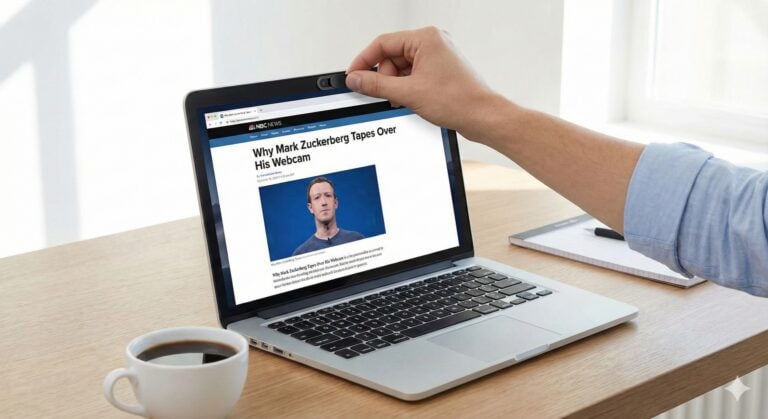
Once your screen is hidden, make sure you physically block your camera too. Read my guide on [Why You Need a Webcam Cover] next.

Tye runs PacketMoat. He's a CISSP-certified cybersecurity professional with 25+ years in IT and 12+ in security, including three real-world breach responses at Netskope and CrowdStrike. He also has a 16-year-old — which is why every parental control on this site gets handed to a real teenager to try to bypass before it's recommended.