NemoClaw Security Checklist: Lock Down AI Agents Before They Go Live
Quick Answer: Before trusting AI agents on your network, verify eight things: host hygiene, sandbox boundaries, inference routing, agent permissions, logging, kill switches, environment scoping, and human oversight. This checklist covers all eight. Print it and check the boxes.
Last updated: March 17, 2026
This checklist is the companion to our OpenClaw + NemoClaw + Nemotron: Local Setup Guide. Use it after installation and before you let agents touch anything important.
For background on what NemoClaw is and why it exists, read NVIDIA NemoClaw: The Security Layer That Makes AI Agents Enterprise-Ready.
Who this is for
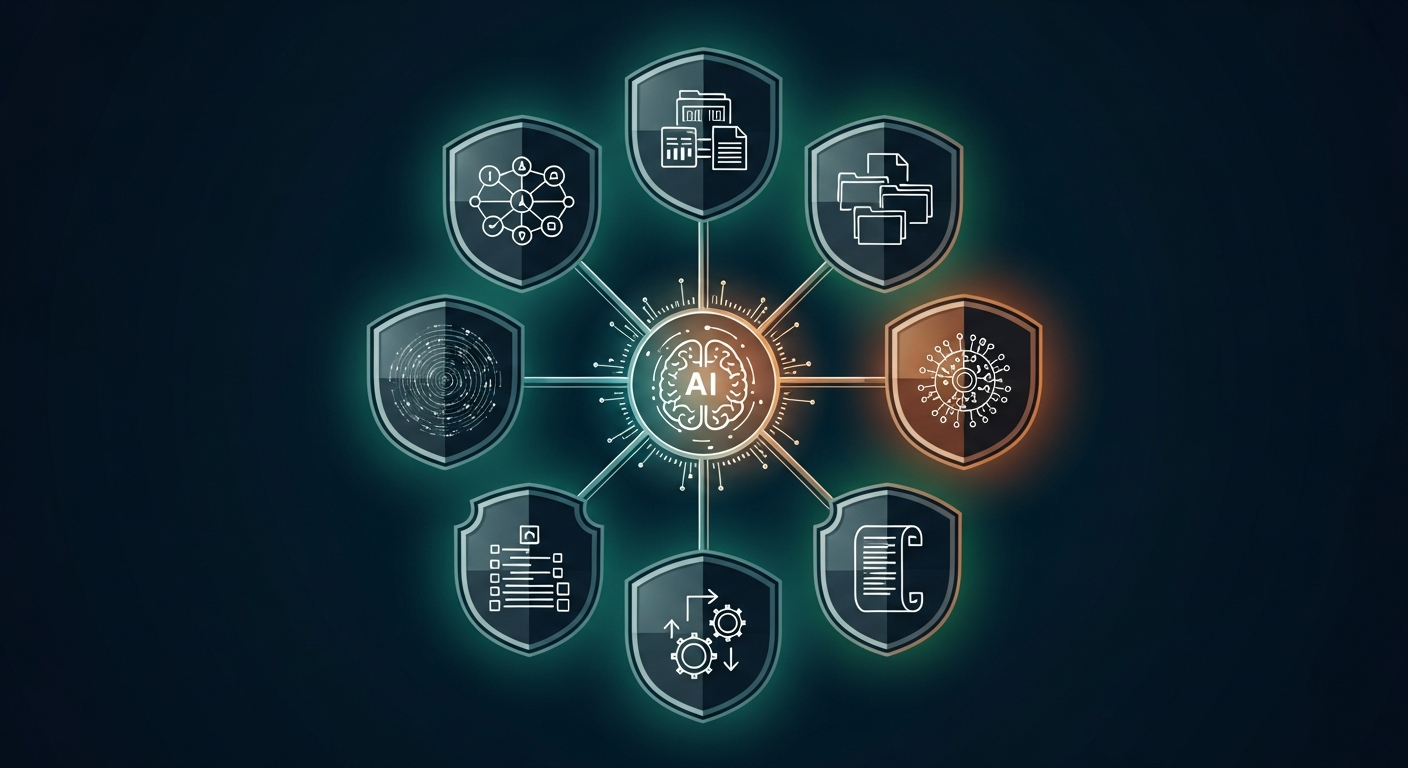
Teams running OpenClaw + NemoClaw on a dev or lab machine who want a quick “did we lock the basics down?” review before letting agents touch anything important.
1. Host and OS hygiene
- NemoClaw / OpenShell are running on Ubuntu 22.04+, fully patched.
- Only trusted users have shell access to the host.
- SSH uses key-based auth (no password logins, no default users).
- Firewall restricts inbound traffic to the ports you actually need (SSH, model server, etc.).
2. Sandbox boundaries (OpenShell)
- Each agent runs in its own sandbox (no sharing between unrelated agents).
- Filesystem access is limited to explicit paths (e.g.
/sandbox,/tmp, one logs dir). - Sandboxes cannot read your home directory,
/etc, or application secrets. - Network policies list only the domains/IPs agents must reach (APIs, model endpoints).
- You have tested a forbidden destination and confirmed it is blocked.
Verification test: Try to curl a domain that is not on the allow-list from inside the sandbox. The request should fail.
3. Inference routing and data privacy
- You have decided which workloads use local models vs cloud models.
- Any task involving PII, financial data, or internal IP uses a local Nemotron (or other local backend).
- Cloud providers are only used for low-risk tasks (summaries, brainstorming, generic code).
- You have verified that the default inference profile matches this policy.
Verification test: Run a prompt that clearly contains fake PII and confirm, via logs, whether it hit a local or remote model.
4. Agent permissions and tools
- Each agent has a minimal tool set (only the commands/APIs it truly needs).
- “Read-only” agents cannot execute write-actions (no shell writes, no DB mutating calls).
- Any agent that can change systems (e.g., create tickets, restart services) requires an explicit human approval step.
- There is no generic “run arbitrary shell” tool exposed to agents in shared environments.
If you have a “super-agent” with many tools, treat it as experimental only and keep it off production systems.
5. Logging, audit, and alerting
- NemoClaw / OpenShell logs are being persisted (not just streamed in a terminal).
- You can answer: “Which files and hosts did this agent touch in the last 24 hours?”
- There is a simple way to tail logs during experiments (for quick incident triage).
- Suspicious actions (blocked network calls, denied file writes) are easy to find in logs.
Optional but recommended: forward logs into your existing SIEM or log stack so security can monitor agent behavior alongside everything else.
6. Kill switch and rollback
- You know the exact command to stop a misbehaving agent sandbox.
- You know how to disable a tool or policy without fully uninstalling NemoClaw.
- You have backups or version control for any config files agents might touch.
- There is a documented “if the agent goes wild, do this first” playbook.
Example: nemoclaw <agent> stop, then revoke any API keys or tokens the agent had access to.
7. Scope: dev, staging, prod
- Agents are currently restricted to dev / lab environments only.
- Any move toward staging/prod will require:
- Separate NemoClaw/OpenShell deployment
- Separate credentials and model backends
- Sign-off from security / platform owners
8. Human loop
- At least one human “owner” is responsible for each agent (not “everyone / no one”).
- You have agreed internally on what agents are allowed to decide on their own vs what always requires human review.
- You have done at least one “red-team” session letting someone try to misuse the agent and watching what happens.
The minimum safe baseline
If you only do three things before experimenting:
- Run agents inside NemoClaw/OpenShell sandboxes only (no bare-metal OpenClaw).
- Lock down inference routing so anything sensitive uses local models.
- Limit tools to the smallest set possible and log everything they do.
This alone will put you ahead of how most teams are running agents today.
Related PacketMoat Guides:
- OpenClaw + NemoClaw + Nemotron: Local Setup Guide – Full installation walkthrough
- NVIDIA NemoClaw: The Security Layer That Makes AI Agents Enterprise-Ready – What NemoClaw is and why it matters
- How to Secure OpenClaw (Moltbot): The Ultimate 5-Step Digital Cage – General OpenClaw hardening
- Ultimate Mac Mini Guide: Secure OpenClaw AI in 2026 – Best dedicated hardware for AI agent nodes
- Best Password Managers for Remote Teams (2026) – Lock down credentials before deploying agents

Tye runs PacketMoat. He's a CISSP-certified cybersecurity professional with 25+ years in IT and 12+ in security, including three real-world breach responses at Netskope and CrowdStrike. He also has a 16-year-old — which is why every parental control on this site gets handed to a real teenager to try to bypass before it's recommended.