Critical: 3 Password Managers That Stop Remote Team Hacks
Quick Answer: 1Password is the best password manager for most remote teams in 2026, offering the strongest balance of security, usability, and admin controls. Bitwarden wins for budget-conscious teams that need open-source transparency, while Keeper excels for enterprises requiring advanced compliance features and detailed audit trails.
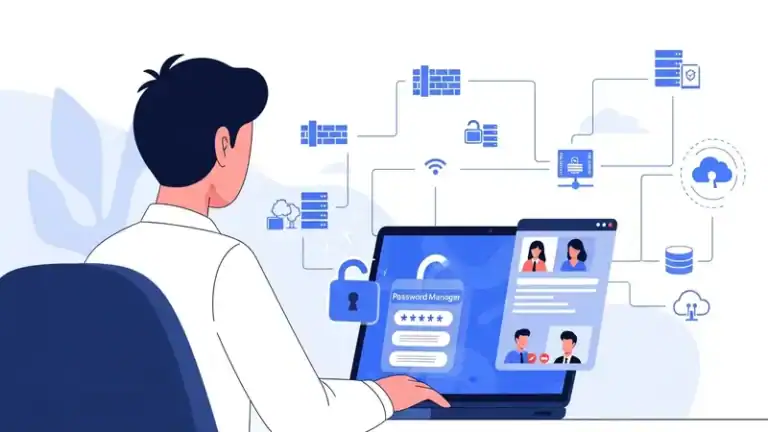
Remote work has permanently changed how businesses handle credential security. When your team is scattered across time zones and home networks, the old model of shared spreadsheets or sticky notes becomes a catastrophic liability.
Password managers designed for remote teams solve three critical problems: they eliminate credential reuse across your workforce, provide secure sharing without exposing passwords in Slack or email, and give IT administrators visibility into who has access to what. The stakes are higher than ever—SMS vs MFA: Why I Stopped Using Text Messages for 2FA in (2026) attacks targeting remote workers increased substantially in recent years, and a single compromised account can expose your entire infrastructure.
This guide evaluates the three password managers that actually work for distributed teams, based on real-world deployment experience. We’re focusing on solutions that handle the unique challenges of remote work: onboarding employees you’ve never met in person, revoking access instantly when someone leaves, and maintaining compliance when your team uses personal devices.
1Password: Best Overall for Remote Teams
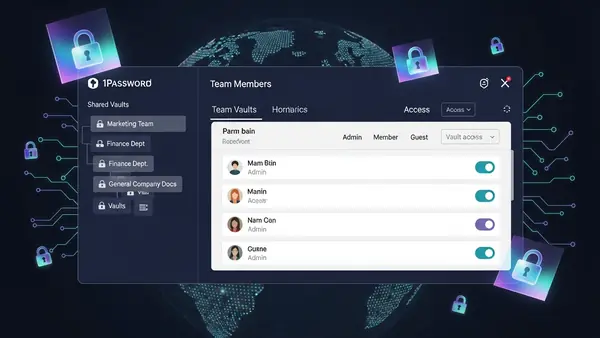
1Password dominates the remote team space because it nails the fundamentals that matter when your workforce is distributed. The Travel Mode feature alone justifies the investment—employees can hide sensitive vaults before crossing borders, then restore them with one click once they’re through customs. This isn’t theoretical; it’s essential for teams with international contractors or employees who travel to regions with aggressive device inspection policies.
The admin console provides exactly the visibility remote teams need without becoming overwhelming. You can see who has access to shared credentials, audit password strength across your organization, and revoke access instantly when someone leaves. The item history feature tracks every change to shared credentials, which becomes critical when troubleshooting access issues across time zones.
1Password’s browser extension works flawlessly across Chrome, Firefox, Safari, and Edge—a requirement when your team uses different platforms. The autofill accuracy is the best in the category, reducing the support tickets you’ll field from remote employees struggling with login issues. The Watchtower feature actively monitors for compromised passwords and alerts both users and admins, turning password security from a policy document into an automated system.
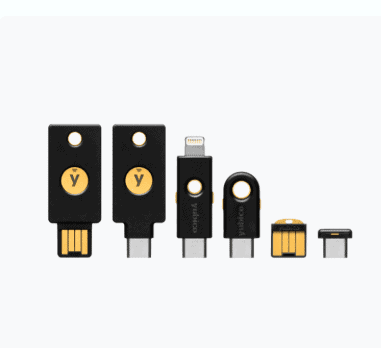
Best for: Teams of 10-500 employees who need reliable security without constant IT intervention. The pricing scales reasonably, and the user experience is polished enough that onboarding remote hires takes minutes, not hours. If you need Phishing-Proof Your Remote Team: Why the YubiKey 5 NFC is Mandatory for SMB Security (2026 ROI Guide) hardware key support for your highest-privilege accounts, 1Password’s implementation is rock-solid.
Bitwarden: Best Value for Budget-Conscious Teams
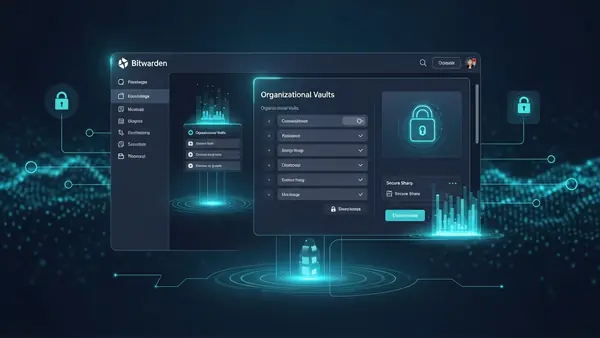
Bitwarden delivers enterprise-grade password management at a fraction of the cost of competitors. The open-source foundation means security researchers worldwide have audited the code, and the transparent development model builds trust with technical teams who are skeptical of closed-source security tools.
For remote teams, Bitwarden’s collections feature provides granular control over credential sharing. You can organize passwords by department, project, or client, then grant access to specific team members without exposing your entire vault. The self-hosting option appeals to teams with strict data residency requirements—you can run Bitwarden on your own infrastructure and maintain complete control over where credentials are stored.
The browser extension and mobile apps match the quality of more expensive competitors. Two-factor authentication support is comprehensive, including YubiKey Windows Login: The Easy Way to Log Into Windows 11 Without a Password integration for Windows machines. The emergency access feature lets you designate trusted team members who can request access to your vault after a waiting period—critical for remote teams where the bus factor is a real concern.
Where Bitwarden trails 1Password is in polish and advanced admin features. The reporting tools are functional but basic, and the user interface feels more utilitarian than elegant. For technical teams who prioritize functionality over aesthetics, this isn’t a dealbreaker. For less technical teams, the learning curve is slightly steeper.
Best for: Startups and small businesses (5-50 employees) where budget matters and your team has some technical sophistication. The free tier supports unlimited passwords for individuals, making it easy to pilot before committing to the paid business plan. If your team values open-source software and wants the option to self-host, Bitwarden is the clear choice.
Keeper: Best for Enterprise Compliance and Audit Requirements
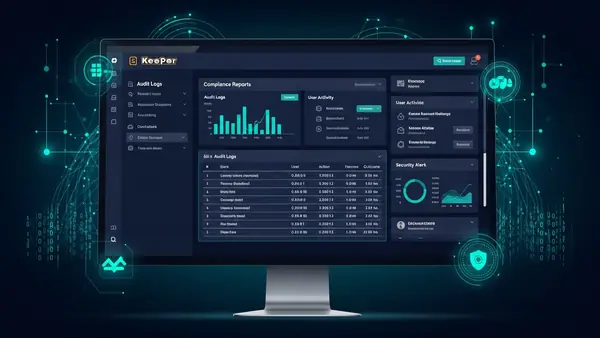
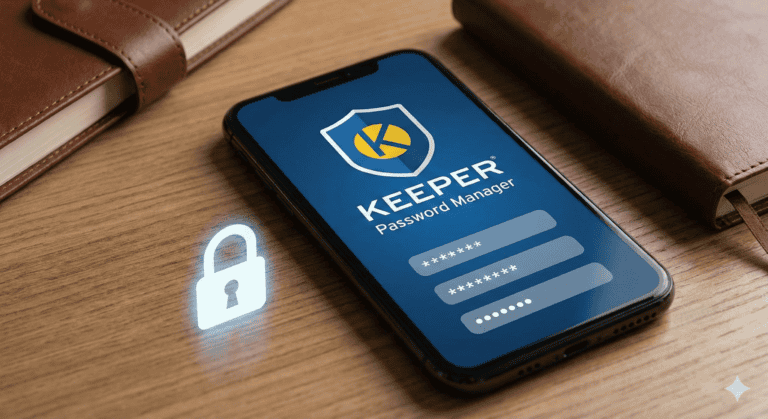
Keeper built its reputation on enterprise security, and it shows in the depth of compliance features. The audit and reporting capabilities exceed what most remote teams need, but if you’re in healthcare, finance, or another regulated industry, Keeper’s detailed logs and compliance reports become essential rather than excessive.
The role-based access control system is the most sophisticated in this category. You can define custom roles with granular permissions, enforce different security policies for different teams, and require approval workflows for accessing high-privilege credentials. For remote teams handling sensitive client data or managing production infrastructure, these controls prevent the credential sprawl that plagues distributed organizations.
Keeper’s BreachWatch continuously monitors the dark web for compromised credentials associated with your organization. When it finds a match, it alerts both the affected user and administrators, providing actionable intelligence rather than generic warnings. The encrypted messaging feature lets team members share sensitive information beyond just passwords—API keys, server credentials, and confidential notes stay encrypted end-to-end.
The learning curve is steeper than 1Password or Bitwarden. The extensive feature set means more configuration upfront, and the interface assumes you understand concepts like zero-knowledge architecture and encrypted vault sharing. For teams with dedicated IT staff, this complexity enables powerful workflows. For small teams without technical resources, it can feel overwhelming.
Best for: Enterprises (100+ employees) with compliance requirements like SOC 2, HIPAA, or GDPR. The detailed audit trails and advanced reporting justify the premium pricing when you need to demonstrate credential security to auditors or clients. Keeper Password Manager Review: Why This Analyst Chose It (2026) provides additional depth on why this analyst chose Keeper for enterprise deployments.
Worth Considering: Dashlane and NordPass
Dashlane offers excellent VPN integration and dark web monitoring, making it appealing for security-conscious remote teams. The automatic password changer can update credentials across multiple sites with one click—a time-saver when responding to breaches. However, the pricing is higher than 1Password without offering significantly better features for most remote team use cases. Best for teams that want VPN and password management in a single subscription.
NordPass from the NordVPN team delivers solid fundamentals at competitive pricing. The XChaCha20 encryption is cutting-edge, and the interface is clean and approachable for non-technical users. The weakness is in admin features—the organizational controls lag behind 1Password and even Bitwarden. Best for very small remote teams (under 10 people) who prioritize ease of use over advanced management capabilities.
Quick Comparison: Which Password Manager for Your Remote Team?
Choose 1Password if: You need the best balance of security, usability, and admin controls. The Travel Mode feature is essential for teams with international members, and the polished experience reduces onboarding friction for remote hires.
Choose Bitwarden if: Budget is a primary concern and your team has technical aptitude. The open-source model and self-hosting option provide transparency and control that closed-source alternatives can’t match.
Choose Keeper if: You operate in a regulated industry and need detailed audit trails, advanced compliance reporting, and enterprise-grade role-based access controls. The premium pricing delivers premium features that enterprises actually use.
Final Verdict by Use Case
Most remote teams should start with 1Password—it’s the safest bet for organizations that need security without complexity. If you’re bootstrapping a startup and every dollar matters, Bitwarden delivers 90% of the functionality at 40% of the cost. Enterprises with compliance obligations should evaluate Keeper seriously; the advanced features become requirements rather than nice-to-haves when auditors start asking questions about credential security across your distributed workforce.
Regardless of which solution you choose, pairing your password manager with YubiKey 5 NFC hardware keys for administrator accounts adds a critical layer of phishing resistance. Remote work has permanently changed the threat landscape—your password management strategy needs to evolve accordingly.
Frequently Asked Questions
What’s the best password manager for small remote teams under 10 people?
Bitwarden offers the best value for small teams, with a free tier that supports unlimited passwords and a business plan that costs significantly less than competitors. The open-source foundation and straightforward interface make it ideal for teams without dedicated IT staff who still need secure credential sharing.
Do remote teams really need a password manager, or can we use browser-saved passwords?
Browser-saved passwords create serious security gaps for remote teams—they don’t sync across different browsers, provide no admin visibility into who has access to what, and make it impossible to revoke credentials when someone leaves. A proper password manager gives you centralized control, secure sharing, and audit trails that browser features simply can’t provide.
Can password managers integrate with hardware security keys like YubiKey?
Yes, all three top picks (1Password, Bitwarden, and Keeper) support hardware security keys for two-factor authentication. This is critical for protecting administrator accounts and high-privilege users in remote teams. The integration works seamlessly across desktop and mobile devices, adding phishing-resistant authentication without disrupting workflows.
How do I migrate my remote team from shared spreadsheets to a password manager?
All major password managers provide import tools that can convert spreadsheets into secure vaults. The process takes 30-60 minutes: export your spreadsheet as CSV, import it into the password manager, organize credentials into appropriate shared vaults, then grant team members access based on their roles. Schedule a brief training session to walk your team through the browser extension and mobile apps.
What happens if someone on my remote team loses their master password?
Most business password managers include account recovery features—1Password offers recovery keys, Bitwarden has emergency access, and Keeper provides account transfer capabilities. Set up these recovery mechanisms during onboarding, before someone actually needs them. The alternative is permanent loss of access to all stored credentials, which can be catastrophic for remote teams.
Parents: If you’re setting up password managers to protect your family’s accounts, you’ll also want our Best Parental Control Apps 2026 guide and our breakdown of whether Discord is safe for kids.

Tye runs PacketMoat. He's a CISSP-certified cybersecurity professional with 25+ years in IT and 12+ in security, including three real-world breach responses at Netskope and CrowdStrike. He also has a 16-year-old — which is why every parental control on this site gets handed to a real teenager to try to bypass before it's recommended.